That pile of papers on your desk isn’t going to organize itself, and let’s be honest—your “system” of sticky notes everywhere stopped working six months ago. Whether you’re working from home or managing a tiny office space, these smart organization hacks will transform your chaotic workspace into a productivity powerhouse without requiring a complete overhaul or a trust fund.
1. Create Vertical Storage Solutions That Actually Work
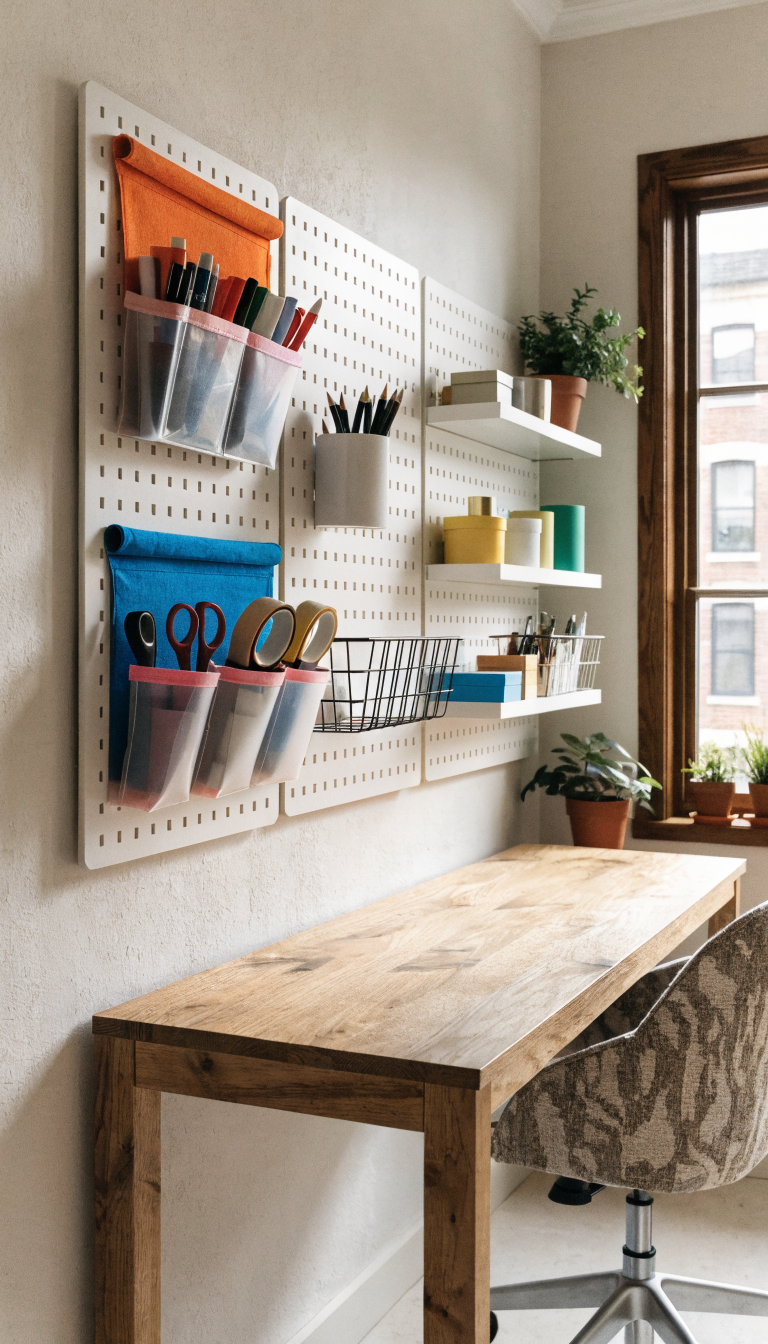
Your desk surface is prime real estate, so why are you wasting it on stacks of folders and random supplies? Going vertical is the secret weapon of people with genuinely organized offices.
Wall-mounted shelves, pegboards, and floating storage units free up your workspace while keeping everything within arm’s reach. The best part? You can customize them to fit your exact needs instead of forcing your stuff into generic storage containers.
Essential Vertical Storage Options:
- Pegboard systems with customizable hooks and baskets
- Wall-mounted magazine holders for active project files
- Floating shelves positioned above your desk or workspace
- Over-door organizers for supplies you don’t use daily
Install your most-used items at eye level and less frequently accessed stuff higher up. This setup keeps everything visible (no more “out of sight, out of mind” situations) while maximizing every square inch of wall space you’ve got.
2. Implement The “One Touch” Filing System

Here’s the truth: most paper clutter happens because you touch the same document five times before actually dealing with it. You pick it up, read it, put it down, move it to another pile, and eventually lose it under three coffee cups and a random charging cable.
The one touch rule forces you to make an immediate decision every time you handle a piece of paper. File it, act on it, or trash it—right then and there. No “I’ll deal with this later” piles allowed.
Setting Up Your System:
Get three clearly labeled trays or folders: Action Required, To File, and Pending. When mail or documents hit your desk, they go directly into one of these categories. Empty your Action Required tray daily, your Pending tray weekly, and actually file things in your To File section at the end of each week.
This system only works if you’re brutally honest with yourself about what actually needs to be kept. That conference flyer from 2019? You’re never going back to reference it. Trust me on this one.
3. Designate Zones For Different Tasks

Your brain loves compartmentalization, so why is your desk a chaotic mix of computer work, handwritten notes, coffee mugs, and last week’s lunch receipt? Creating specific zones transforms how efficiently you work.
Divide your workspace into functional areas: a computer zone, a writing/brainstorming zone, a supply station, and a reference materials area. Even in a tiny office, you can create these micro-zones within your existing setup.
Making Zones Work In Small Spaces:
Use desk organizers, drawer dividers, or even just different colored desk mats to visually separate your zones. Keep only the tools you need for each zone in that specific area—pens and notepads in your writing zone, chargers and tech accessories in your computer zone.
This approach eliminates the constant shuffling of items around your desk because everything already has a designated home. You’ll spend way less time searching for stuff and more time actually getting work done.
4. Tackle Cable Chaos With Smart Cord Management
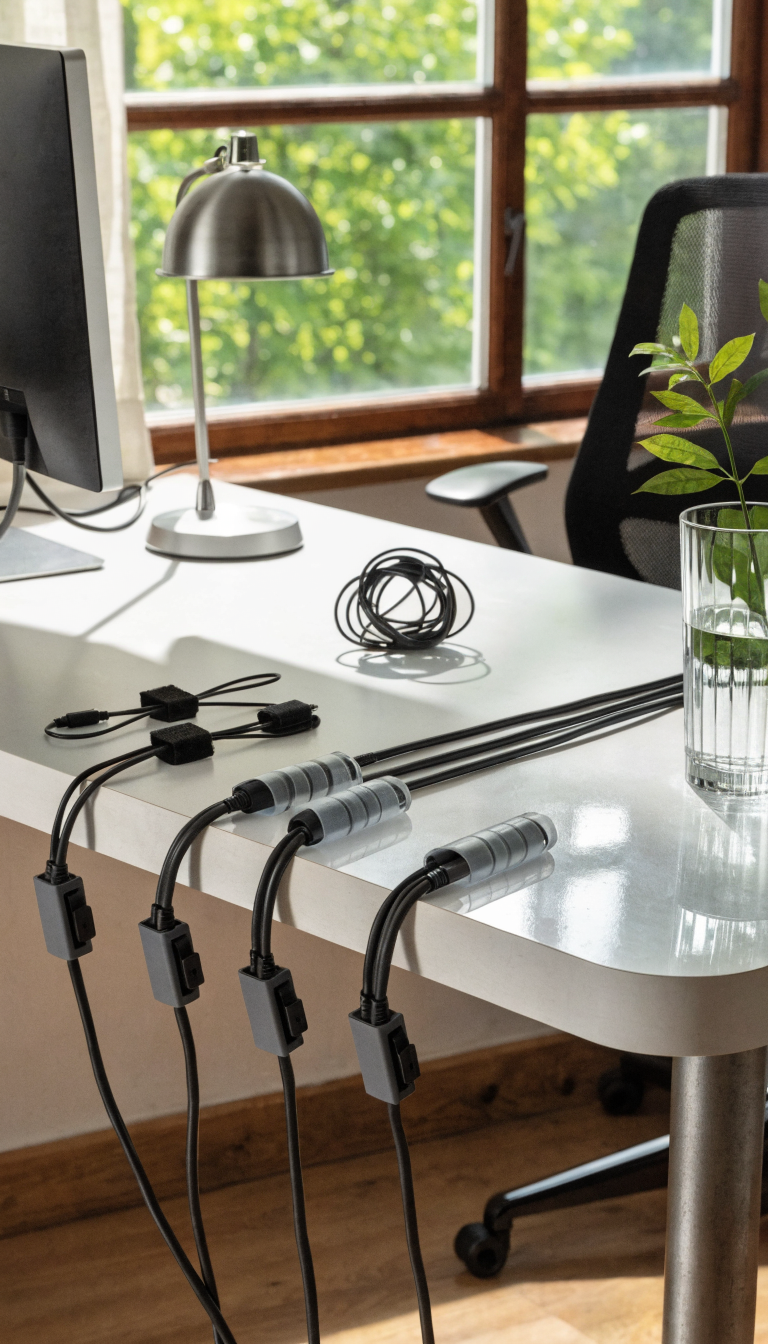
Nothing screams “disorganized mess” quite like a tangled nightmare of charging cables, power cords, and mystery wires you’re afraid to unplug because you can’t remember what they connect to. Seriously, cable clutter is visual noise that makes your entire space feel chaotic.
You don’t need expensive solutions here—just a solid strategy and about 20 minutes of your time.
Quick Cable Control Methods:
- Velcro cable ties to bundle cords together
- Adhesive cable clips mounted under your desk
- Cable sleeves to hide multiple cords in one streamlined tube
- Label makers for identifying which cord powers what
- Cord boxes to hide power strips and excess cable length
Route cables along desk edges or legs using clips, and bundle related cords together. Label everything—future you will be grateful when you need to unplug something specific without playing a guessing game.
5. Maximize Drawer Space With Dividers And Inserts
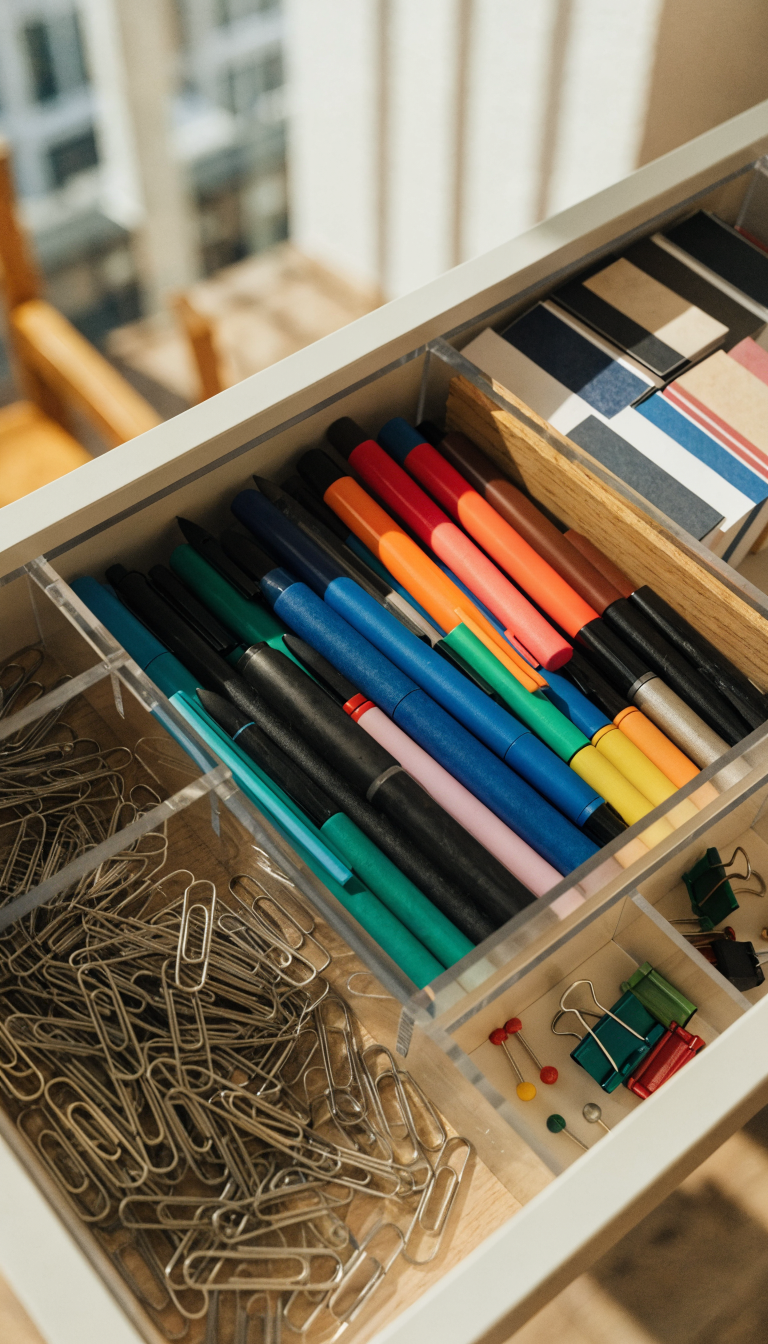
Drawers without dividers are basically black holes where office supplies go to die. You know exactly what I’m talking about—that junk drawer where paper clips, random keys, dried-up pens, and ancient business cards all live together in chaotic harmony.
Drawer organizers and dividers aren’t just about making things look pretty (although that’s a nice bonus). They actually help you find what you need in seconds instead of digging through layers of forgotten stuff.
Organizing Your Drawers Effectively:
Start by completely emptying each drawer and tossing anything dried up, broken, or that you haven’t used in six months. Then group similar items together—all writing utensils in one section, all sticky notes in another, tech accessories in their own compartment.
Use adjustable drawer dividers or small boxes to create custom sections. Keep your most frequently used items in the top drawer for easy access, and store backup supplies or seasonal items in lower drawers. The goal is to open a drawer and immediately see what you need without moving anything around.
6. Create A Command Center For Daily Essentials
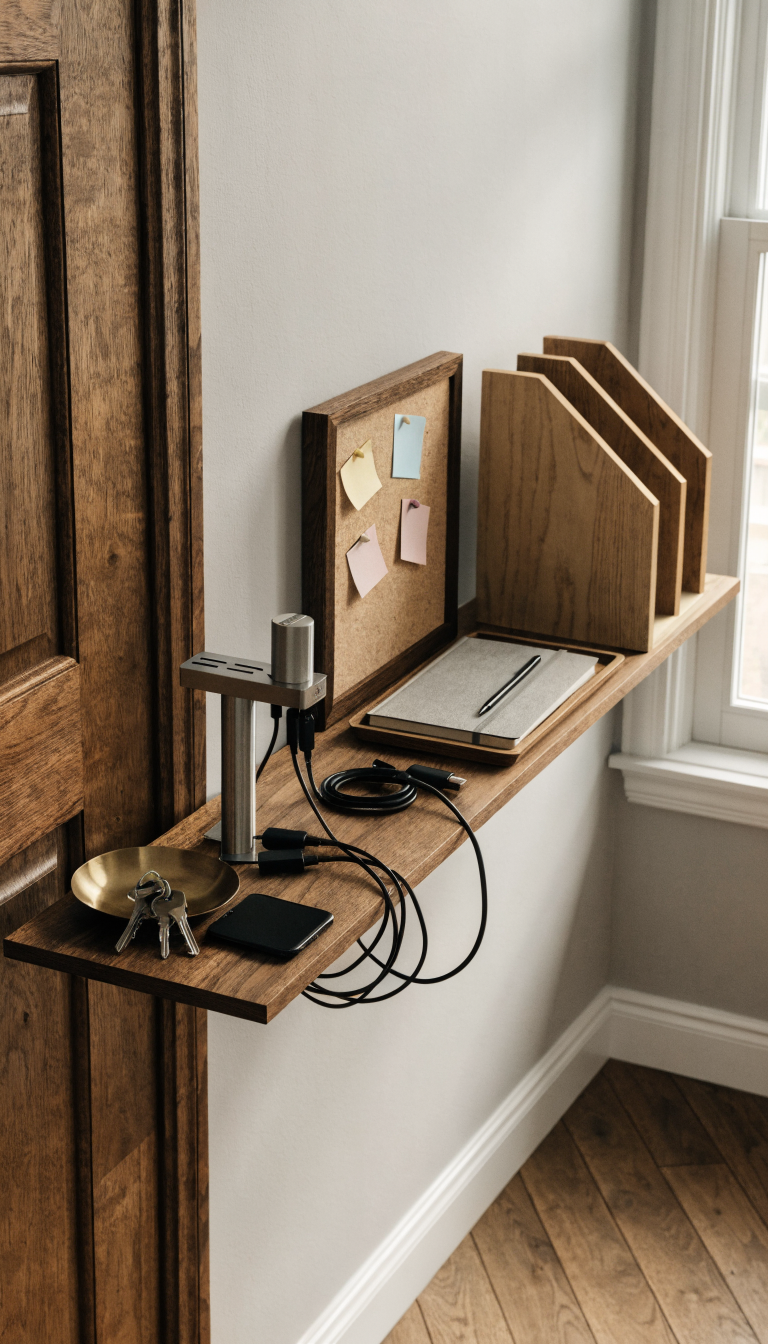
How much time do you waste every morning looking for your keys, your phone charger, your notebook, or that one specific sticky note with the important password you wrote down? A command center puts all your daily essentials in one dedicated spot.
This is basically a landing pad for everything you grab multiple times per day. Set it up near your office entrance or on a section of your desk that stays clear of project clutter.
What Goes In Your Command Center:
- A small tray or dish for keys and small items
- A charging station for phones and tablets
- Your daily planner or notebook
- Frequently referenced contact lists or passwords (securely stored, obviously)
- Outgoing mail or items that need to leave with you
The beauty of a command center is its simplicity. You create one specific location for high-rotation items, which means you stop wasting mental energy trying to remember where you put things. Everything has a home, and that home is always the same place.
7. Use Clear Containers To Make Everything Visible
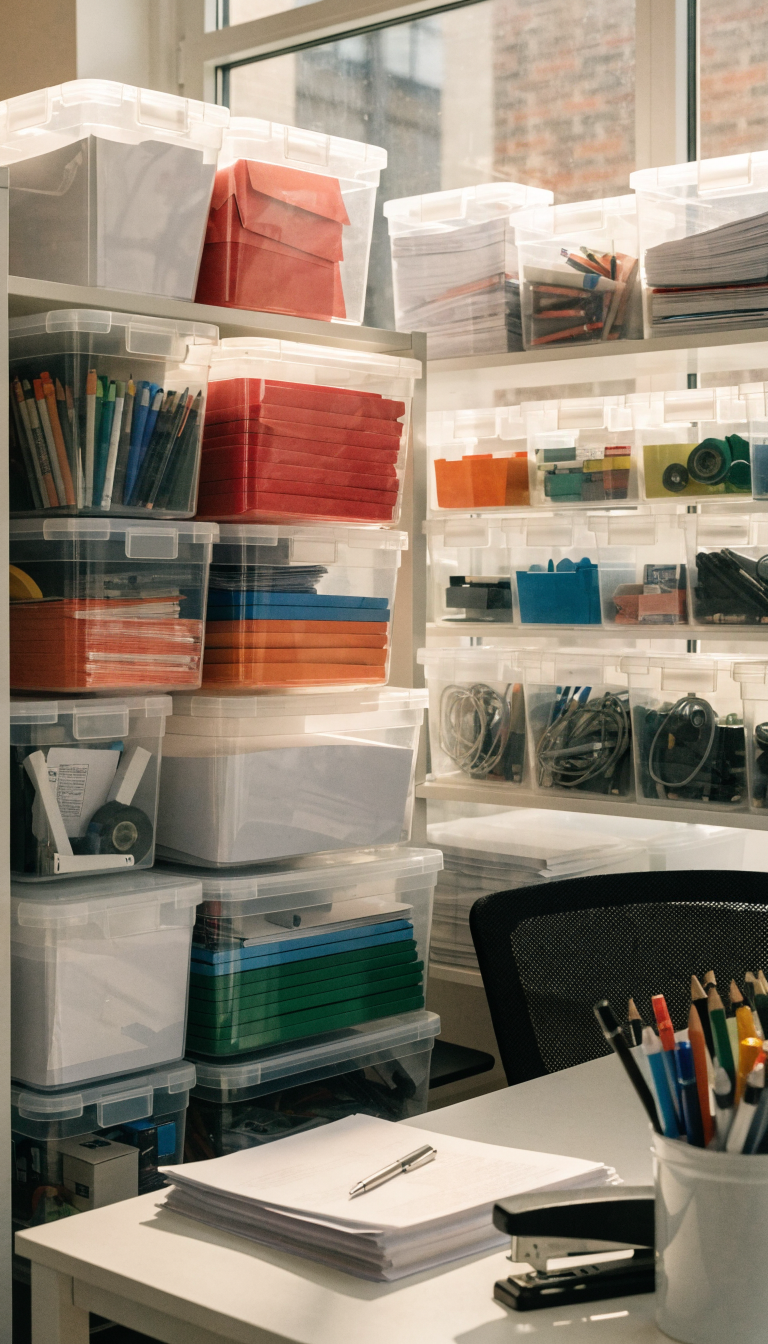
Opaque storage bins and boxes seem like a good idea until you own twelve identical containers and have no clue which one holds printer paper versus which one holds old tax documents. Out of sight really does mean out of mind.
Clear containers solve this problem instantly. You can see exactly what’s inside without opening every single box or reading faded labels from three years ago.
Best Uses For Clear Storage:
Store office supplies, backup tech accessories, project materials, and reference documents in clear acrylic or plastic containers. Stack them on shelves or in cabinets, and you’ll be able to scan your storage area and immediately locate what you need.
For extra organization points, add simple labels to the front of each container. The combination of visual access plus clear labeling means you’ll never again tear apart your entire office looking for that box of binder clips you know you bought three months ago.
Clear containers work especially well in small offices because they create visual continuity. Unlike a rainbow of different colored bins, clear storage maintains a clean, streamlined look even when you’re storing wildly different items.
8. Establish A Daily 10-Minute Reset Routine

Here’s the hard truth: all the organizing systems in the world won’t help if you don’t maintain them. The difference between people with consistently organized offices and everyone else isn’t better supplies or bigger spaces—it’s a simple daily reset habit.
Spend just ten minutes at the end of each workday returning everything to its designated spot. File papers, clear your desk surface, empty your trash, and put supplies back where they belong.
Your Quick Reset Checklist:
- Clear desk surface completely
- File or process papers in your inbox
- Return supplies to their designated zones
- Wipe down your workspace
- Set up tomorrow’s priority items
- Empty trash and recycling
This daily routine prevents the gradual chaos creep that happens when you let “just one thing” stay out of place. That one thing becomes five things, which becomes a cluttered mess, which becomes overwhelming enough that you avoid dealing with it entirely.
Ten minutes is seriously all it takes. Put on a favorite song, set a timer, and power through your reset. You’ll walk into a clean, organized office every morning, which does wonders for your productivity and mental clarity. FYI, this habit alone will make a bigger difference than any fancy organizing product you could buy.
Your small office doesn’t have to stay a disorganized disaster zone. Pick two or three of these ideas to implement this week, and watch how quickly your space (and your stress levels) transform. You’ve got this—now go reclaim that workspace and actually enjoy being in your office again!



0 Comments